01
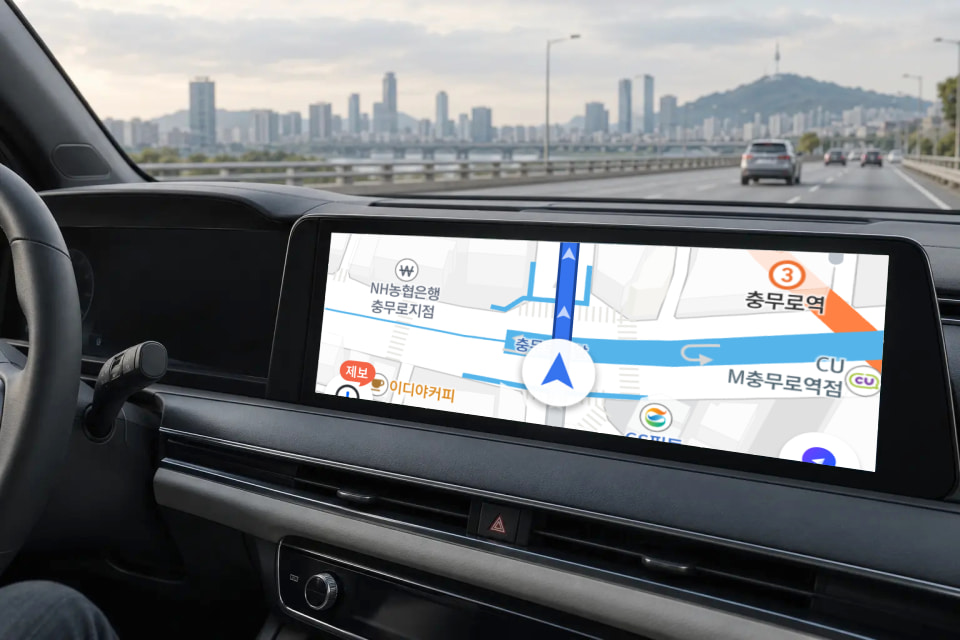
Navigation on a bigger screen.
TMAP, Kakao Navi, and NAVER Map. Check your route on the vehicle display instead of your phone.
 Store
Store AI BOX for vehicles with factory wireless CarPlay
For verified compatible vehicles with factory wireless CarPlay, including BMW. USB supplies power, while the connection to the vehicle display is wireless.
Usage scenarios
TMAP, Kakao Navi, and NAVER Map. Check your route on the vehicle display instead of your phone.



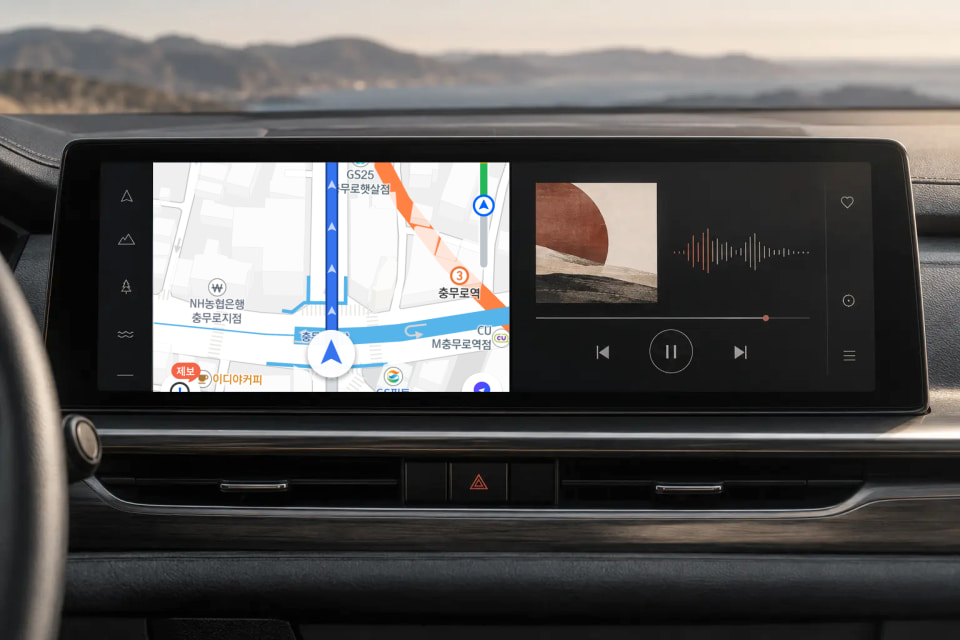
Keep map and music apps side by side to switch between screens less often.



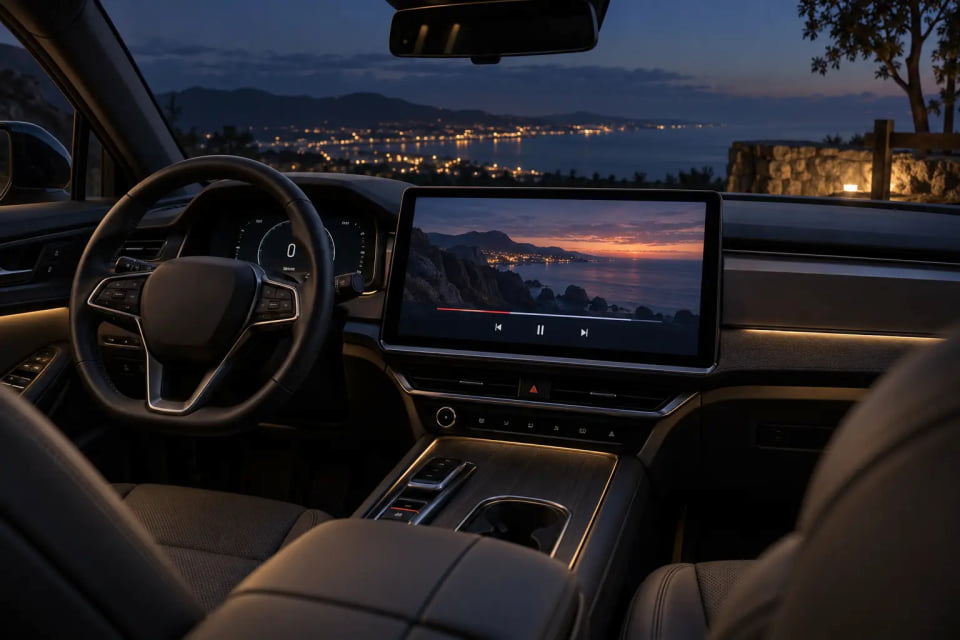
Waiting for pickup, charging, or taking a break. Park safely, then enjoy your favorite videos.



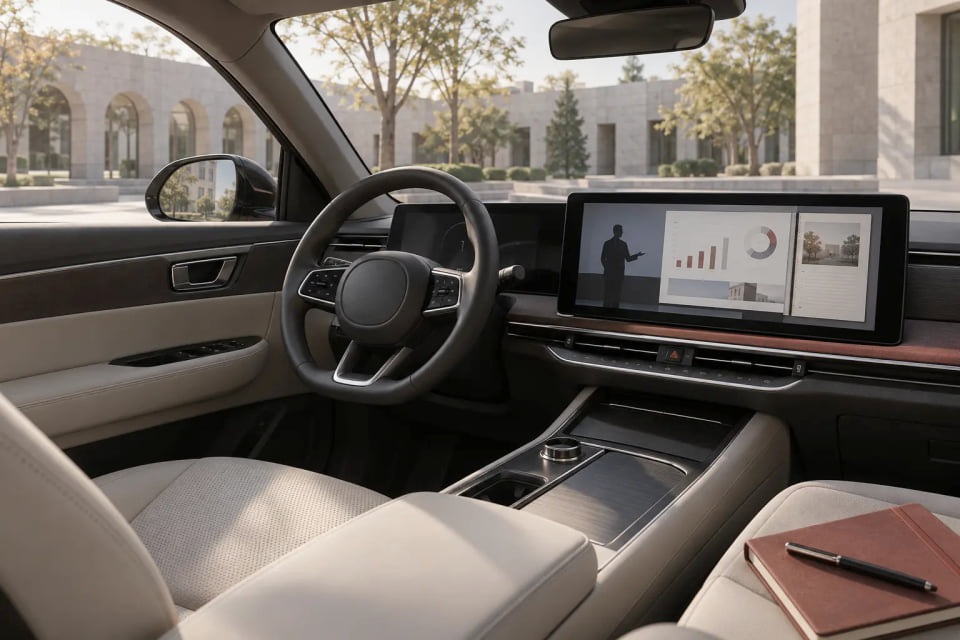
Courses, interviews, and English content. Keep learning on your vehicle's large screen while parked.



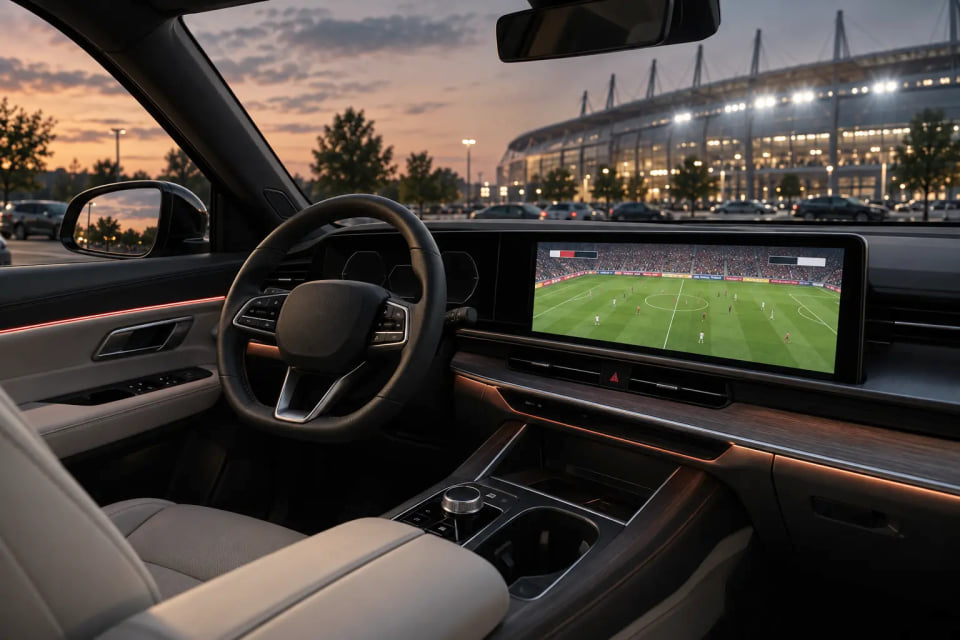
Baseball, football, and golf. Park first, then enjoy the games you do not want to miss.



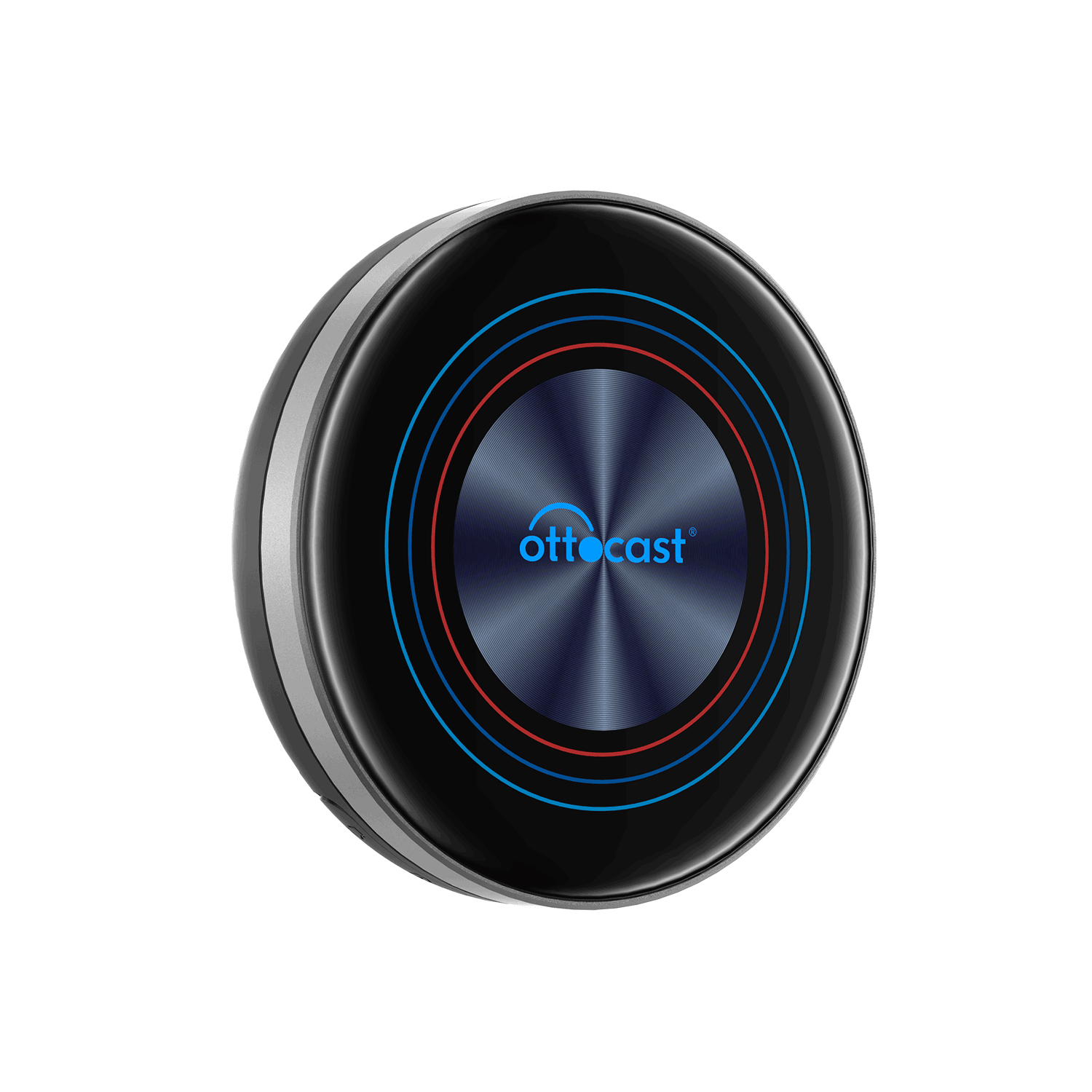
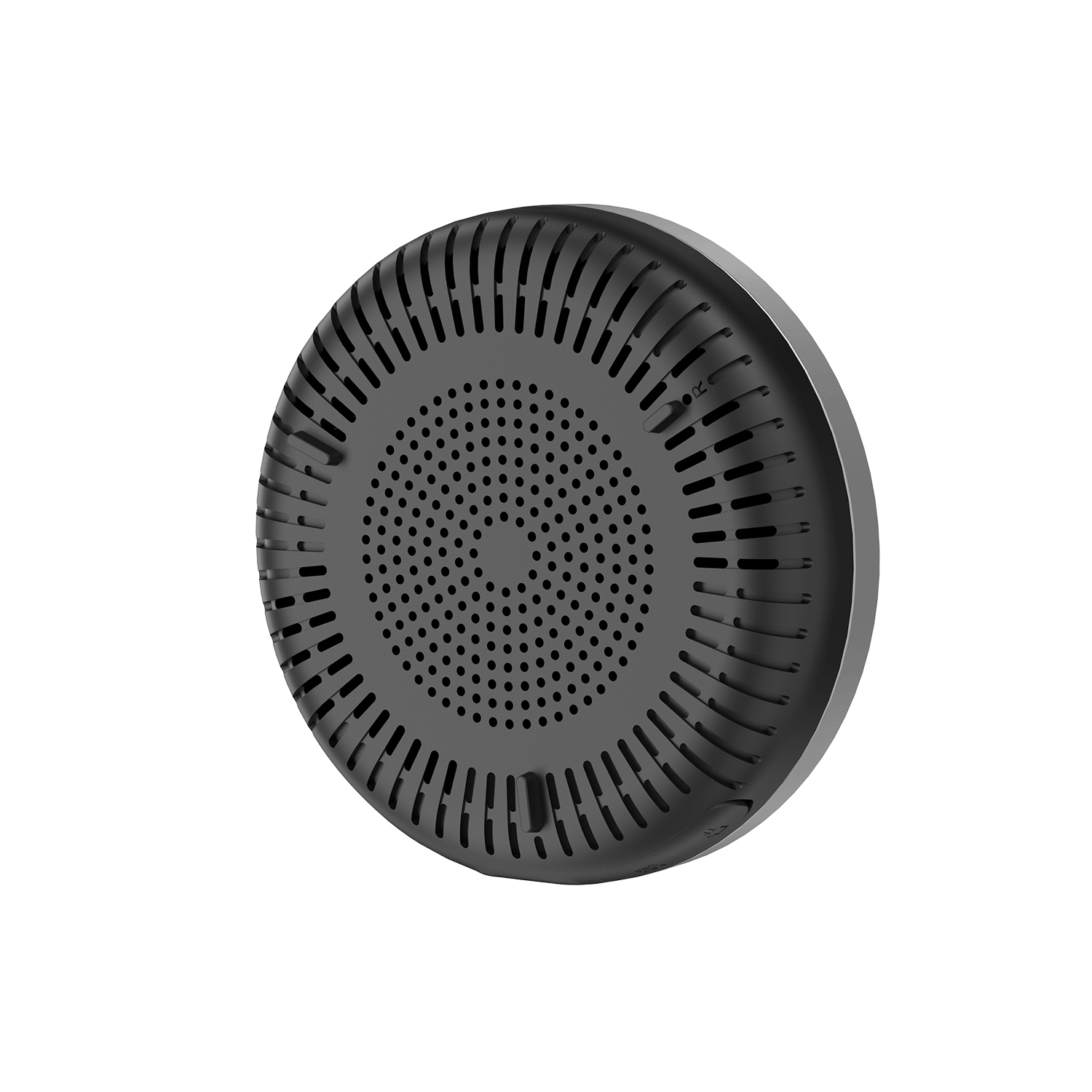
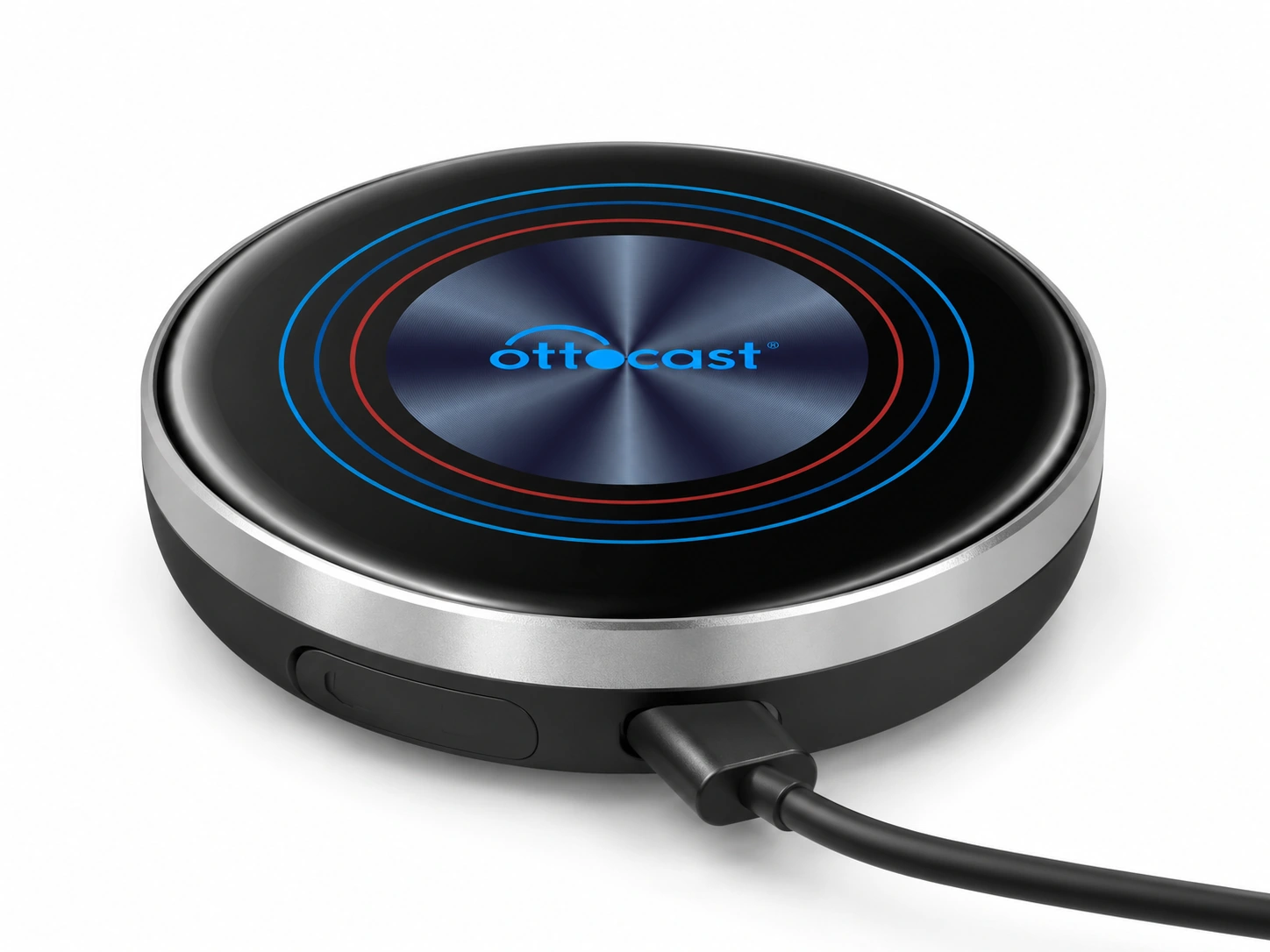
The compact, 8cm-diameter OttoAibox i3 runs your frequently used apps on the device with 8GB RAM, 128GB storage, and 4G LTE.
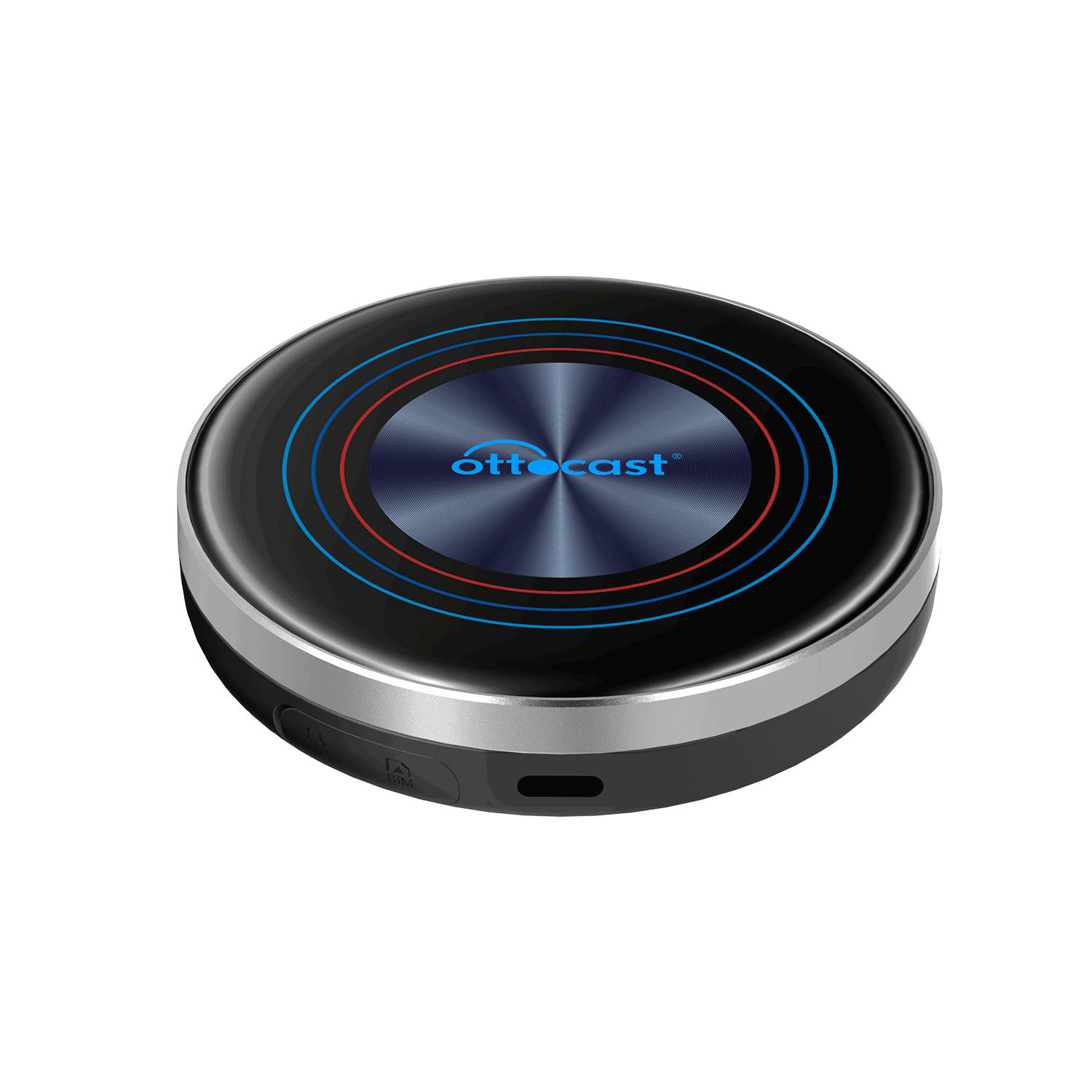
Connects wirelessly to the display in vehicles supporting factory wireless Apple CarPlay. Supply power through USB and follow the vehicle's pairing instructions. See the compatibility guide for model- and year-specific requirements.
Qualcomm Snapdragon 6125, 8GB RAM, 128GB storage, and microSD support up to 256GB. The model sold by WAGLE MEDIA was jointly developed with OTTOCAST headquarters for Korean carriers and the LG U+ M2M environment.
Use 4G LTE for navigation, music, and video content while parked. Choose the 5-year subscription bundle to use the device and data service together.
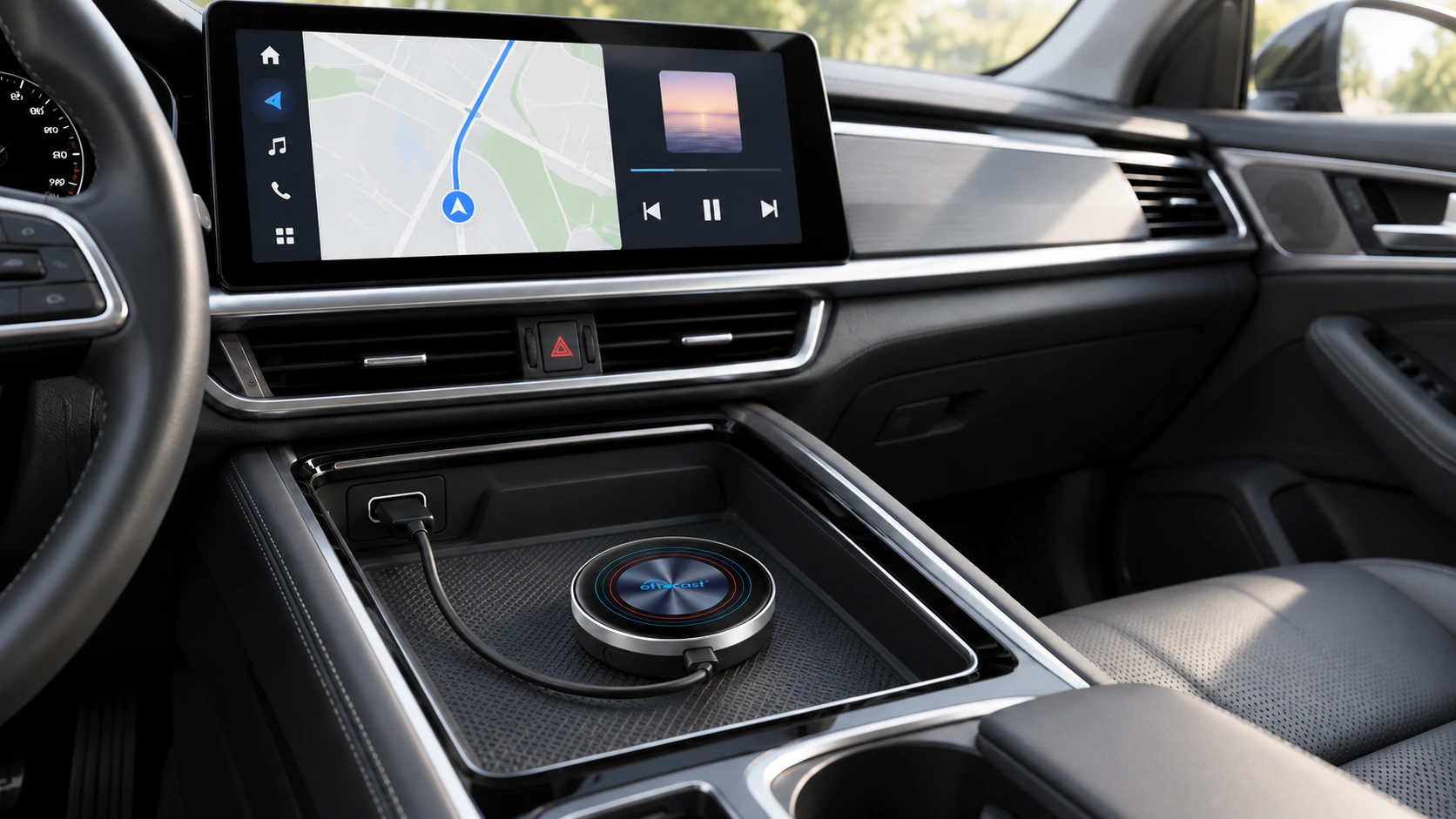
Power and display use separate connections
The USB cable connected to the device supplies power. Pair with the vehicle display through factory wireless CarPlay.
Power supply →
Wireless connection →
Use it in verified compatible vehicles with factory wireless CarPlay. Choose the BMW or other-vehicle sales option as appropriate, and check the vehicle model, year, and audio system (head unit) requirements.
Connection and mounting
Check factory wireless CarPlay support and the correct vehicle-specific option.
Supply power to OTTOCAST through a USB cable.
Connect wirelessly by following the vehicle's CarPlay pairing instructions.
| Model | OttoAibox i3 (OTTOCAST i3) |
|---|---|
| Processor | Qualcomm Snapdragon 6125 |
| Memory / Storage | RAM 8GB / ROM 128GB |
| Operating system | Android 13 · OttoDrive |
| Wi-Fi | 2.4GHz / 5GHz |
| Bluetooth | 5.0 |
| External memory | microSD (TF) up to 256GB |
| SIM | nanoSIM |
| Power | USB 5V / 1A (any suitable power source, including vehicle USB, power bank, or cigarette-lighter charger) |
| Operating temperature | -30~75℃ |
| Product warranty | Standalone purchase: 1 year / Subscription: contract term (5 years) |
| Official retail model name | OttoAibox i3 (RAM 8GB / ROM 128GB) |
| Vehicle support requirements | Vehicles with factory wireless Apple CarPlay (many BMW models from 2018 onward, MINI, and other brands) · Wired-only vehicles not supported · Android Auto not supported |
| Wired/wireless connection requirements | Wireless connection to the factory display (CarPlay pairing) · Device power supplied separately through USB |
| Startup and shutdown conditions | Starts when USB power is supplied · Connects to vehicle display after initial pairing · Launch desired apps after restarting the engine |
| Standard package contents | Main unit, USB cable (Type-A to C), user manual, product packaging |
| Product category | AI BOX for wireless CarPlay vehicles |
| Mobile communications | 4G LTE |
| Connection protocols | Factory wireless Apple CarPlay |
| Vehicle connection | Wireless display connection · USB power |
| Subscription bundle | Device provided free with a 5-year subscription |
| Main unit dimensions | 8cm diameter (80mm) |
For factory wireless Apple CarPlay vehicles, including BMW and MINI. Connects wirelessly to the vehicle and receives power through USB. Cannot be used in vehicles supporting only wired CarPlay. Check support by model, year, and head unit.
| Apps and peripherals | Support scope | Usage requirements |
|---|---|---|
| TMAP / NAVER Map / Kakao Navi | Supported | Select built-in or vehicle GPS · Voice wake words should be OFF (audio quality / steering-wheel control conflicts) |
| YouTube / YouTube Music / Coupang Play / Melon | Supported | Disable auto-update blocking and keep apps up to date · Use the floating microphone or vehicle voice-recognition button for YouTube voice playback |
| Netflix | Conditionally supported | DRM L3 → SD quality / Letterboxing (cannot be adjusted due to the architecture) · Contact support if login fails on the latest version |
| Disney+ | Conditionally supported | App policy changes may prevent Play Store searches or installation — Contact support |
| TVING / Wavve and other streaming services | Supported | Keep apps updated · Video quality is SD-level |
| Banking, securities, and mobile payment apps | Not supported | Device security checks may restrict operation · Use your smartphone for financial transactions |
| Online course apps | Not supported | Screen recording blocked for security — Cannot be bypassed |
| Kakao T driver app | Not supported | App inaccessible / Not searchable in the store — Cannot be bypassed |
| microSD (TF) card | Supported | Up to 256GB |
| Android Auto | Not supported | Wireless CarPlay only · For AA, use CAST+ in a wired-AA vehicle |
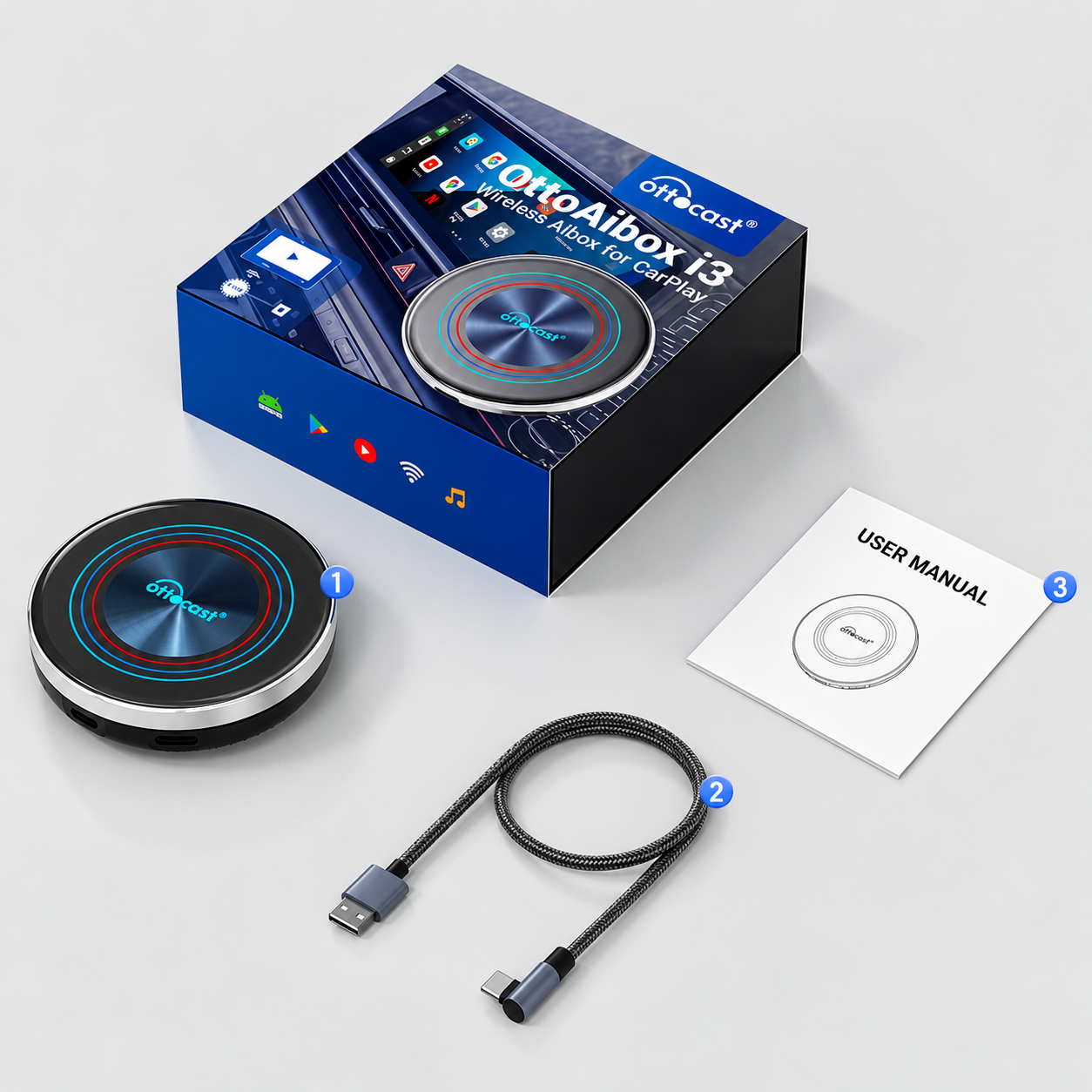
1 main unit, 1 USB cable (A to C), 1 user manual