01
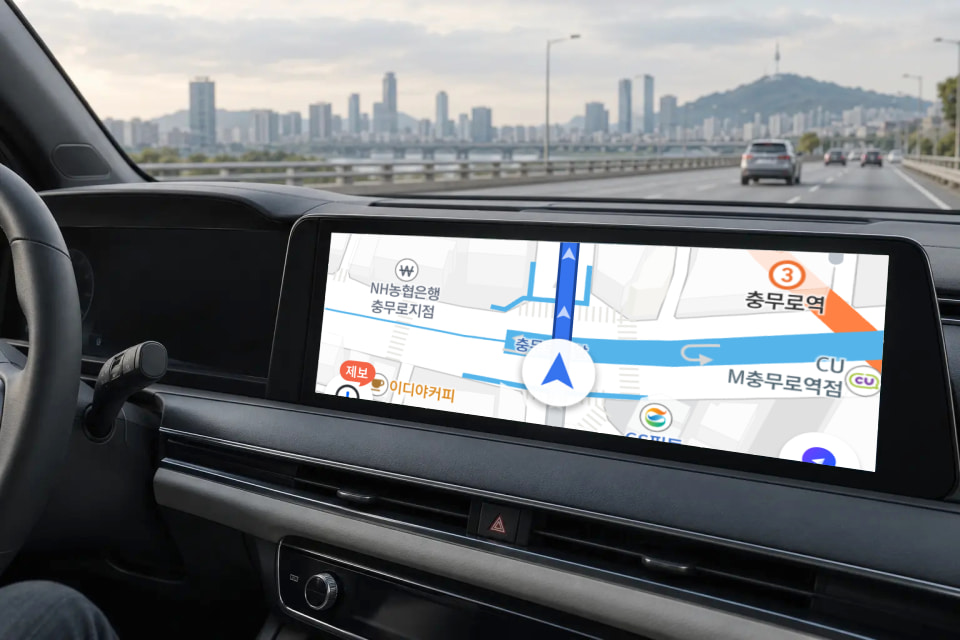
Navigation on a bigger screen.
TMAP, Kakao Navi, and NAVER Map. Check your route on the vehicle display instead of your phone.
 Store
Store AI BOX for vehicles with factory wired connectivity
Navigation and music together. Video and learning once parked. CAST+ expands what your factory display can do.
Usage scenarios
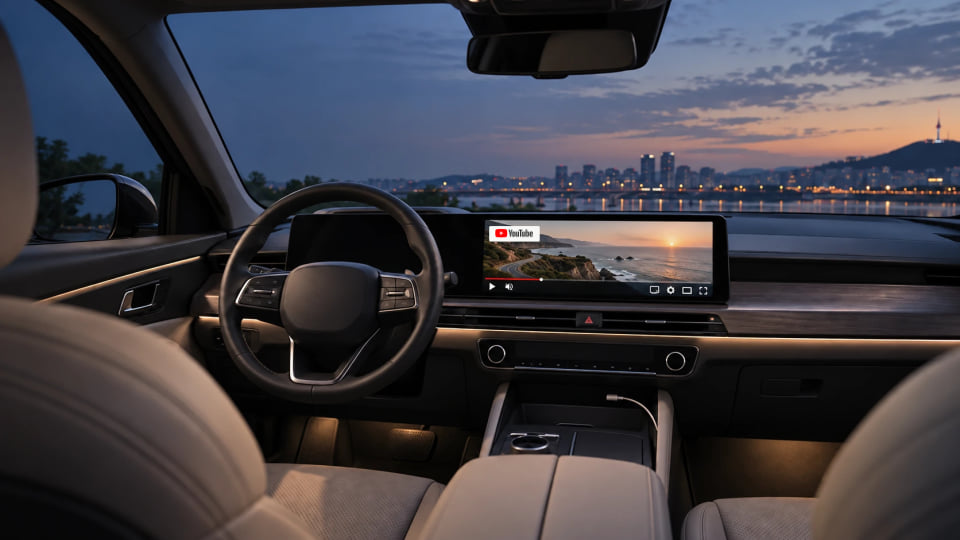
TMAP, Kakao Navi, and NAVER Map. Check your route on the vehicle display instead of your phone.



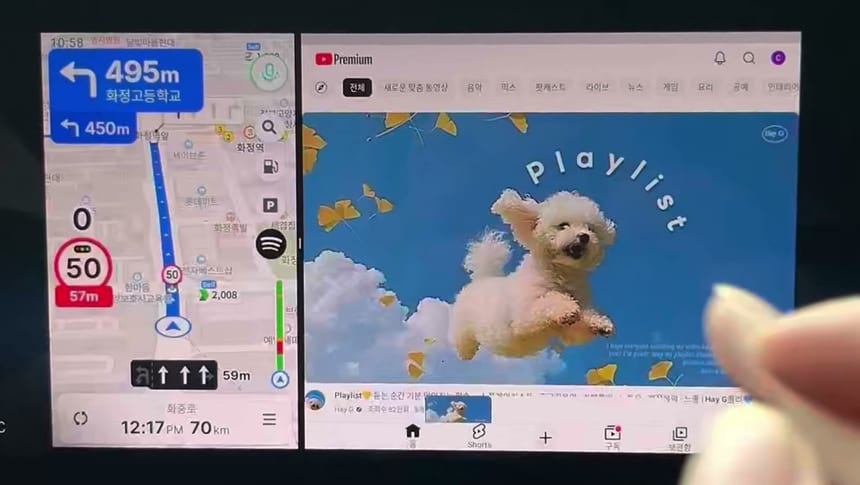
Keep map and music apps side by side to switch between screens less often.



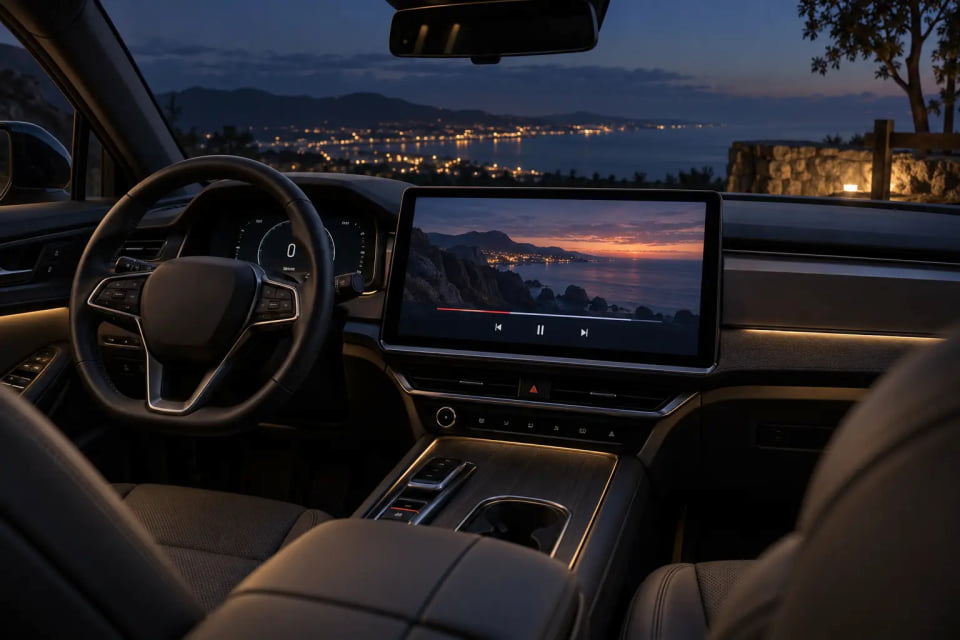
Waiting for pickup, charging, or taking a break. Park safely, then enjoy your favorite videos.



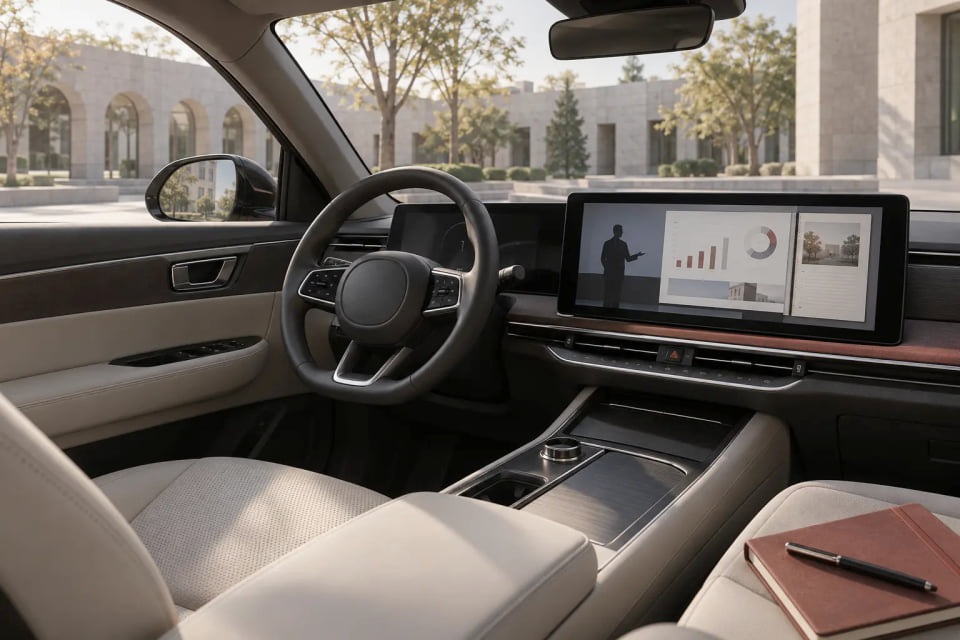
Courses, interviews, and English content. Keep learning on your vehicle's large screen while parked.



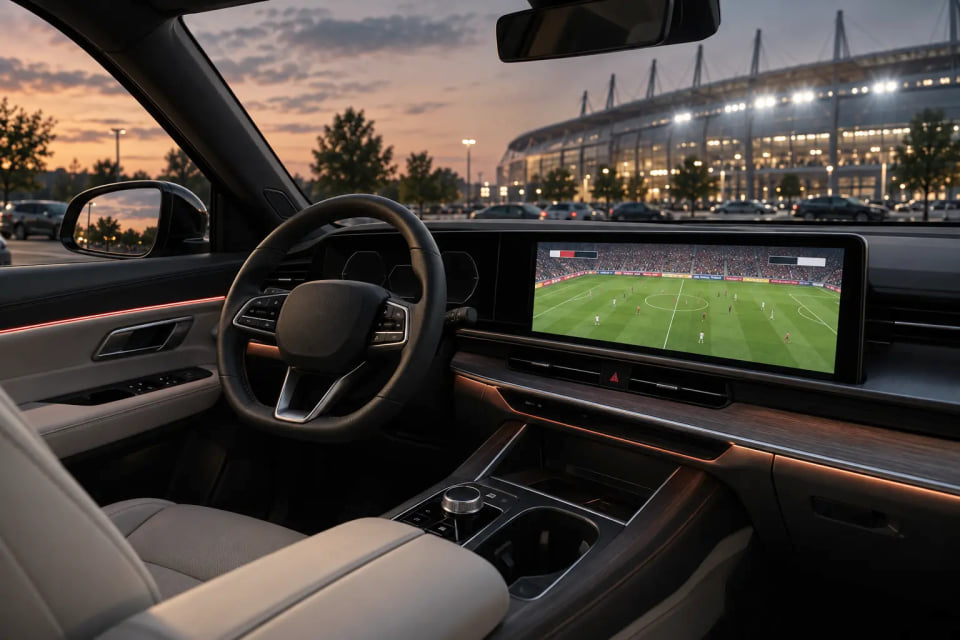
Baseball, football, and golf. Park first, then enjoy the games you do not want to miss.



CAST+ live demonstrations
Watch CAST+ demonstration videos from the official store directly on this page.
Unable to load the video. Connect to the internet and try playing it again.
Unable to load the video. Connect to the internet and try playing it again.
Unable to load the video. Connect to the internet and try playing it again.
Unable to load the video. Connect to the internet and try playing it again.
Unable to load the video. Connect to the internet and try playing it again.
Use your vehicle display with apps installed on CAST+ and its own data connection, without keeping your smartphone screen connected.
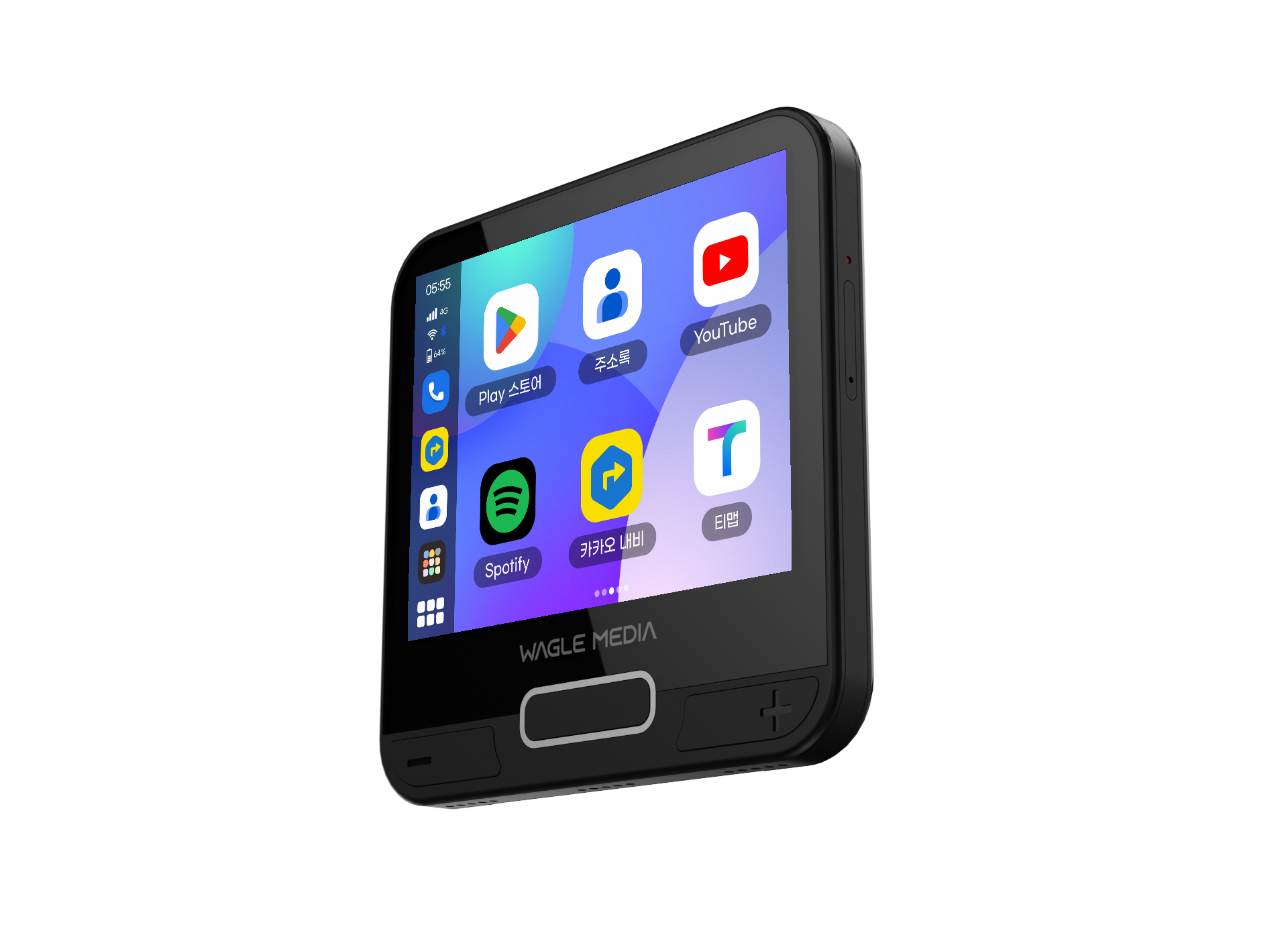
A Google GMS-certified vehicle AI BOX. Install supported apps from Google Play and use them on the vehicle display. Support and usage requirements may vary by app.
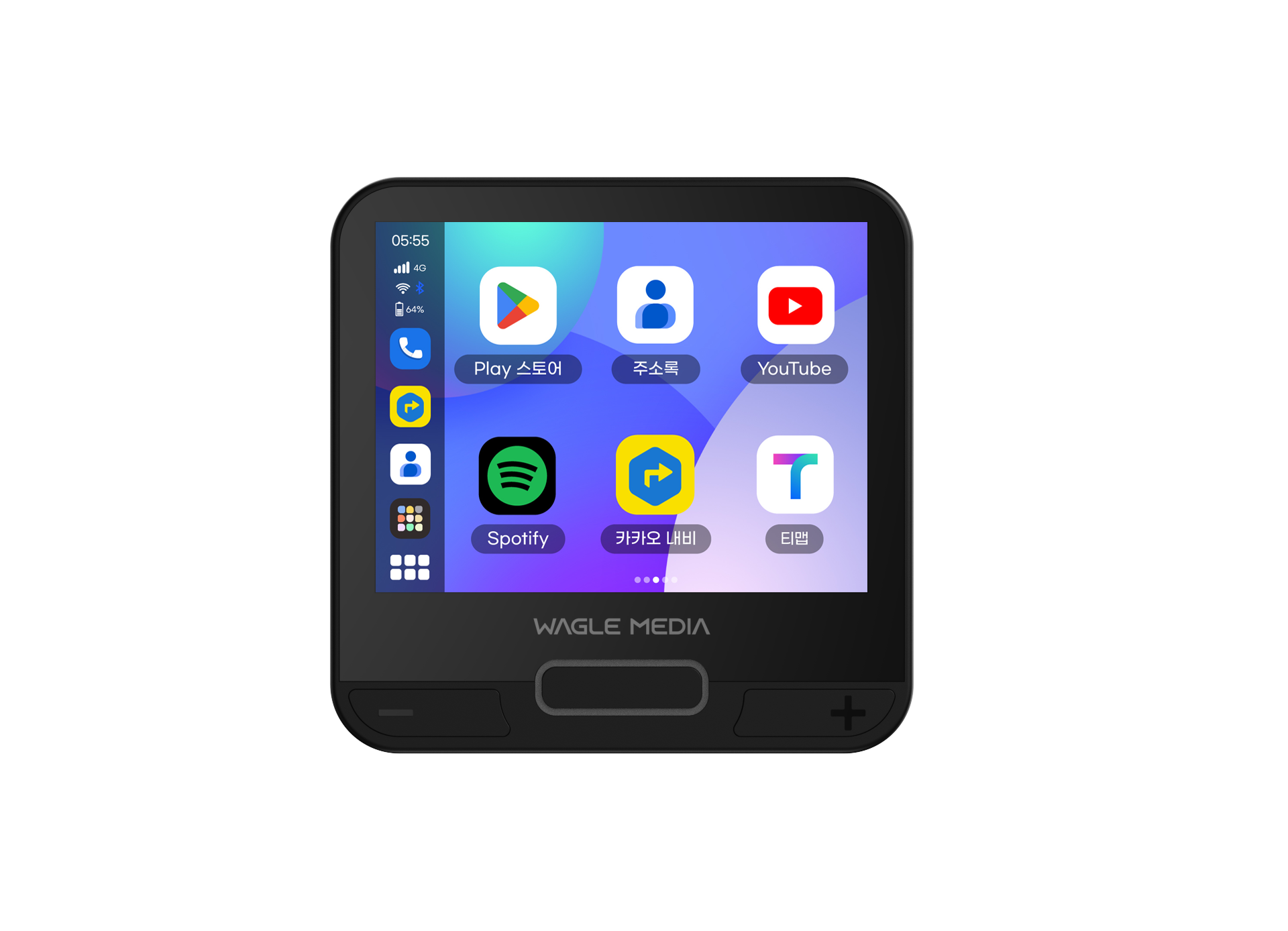
The 3.5-inch on-device LCD lets you perform initial setup and firmware updates and check errors or faults without connecting to a vehicle display. When connected to a vehicle, output appears only on the vehicle display, with everyday use designed for the larger screen.
A 1,600mAh built-in battery and hibernation maintain the state before the engine was switched off. On restarting, you return to the TMAP or YouTube screen you were using in approximately 6–7 seconds. The Curtain app, which hides the display while driving, is also exclusive to CAST+.
The CAST+ differences you use every day
The built-in battery and hibernation keep the device in its previous state when you switch off the engine.
The built-in battery
maintains the current state
Connection and display
begin to resume
Return to the app screen
you were just using
Use the 3.5-inch LCD to check settings, updates, and status before connecting to the vehicle. When connected, output appears only on the vehicle display.
Connection and mounting
Check that your vehicle supports wired CarPlay or Android Auto.
Connect the included data cable to the USB data port.
Configure LTE or Wi-Fi and sign in to the apps you want to use.
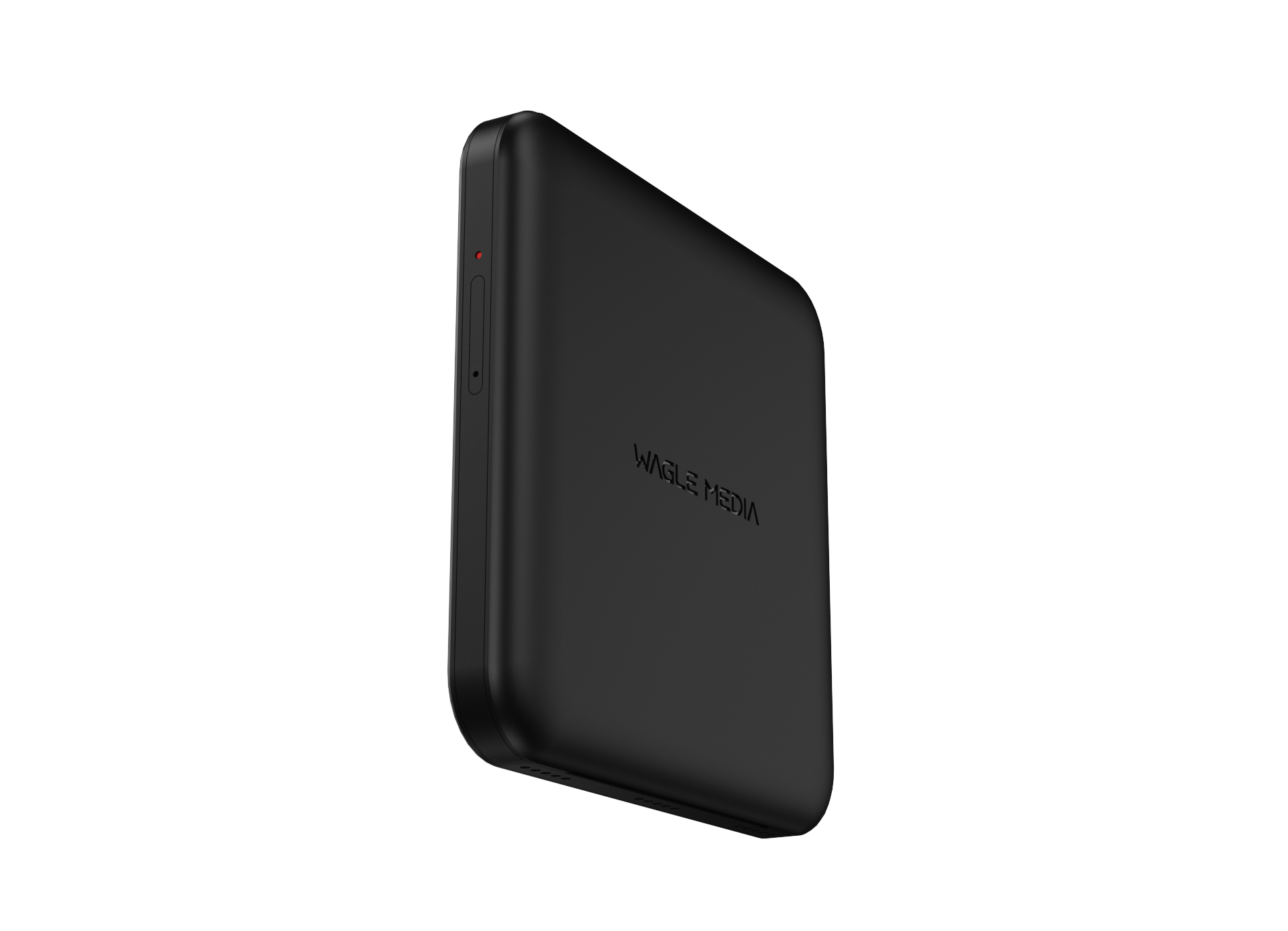
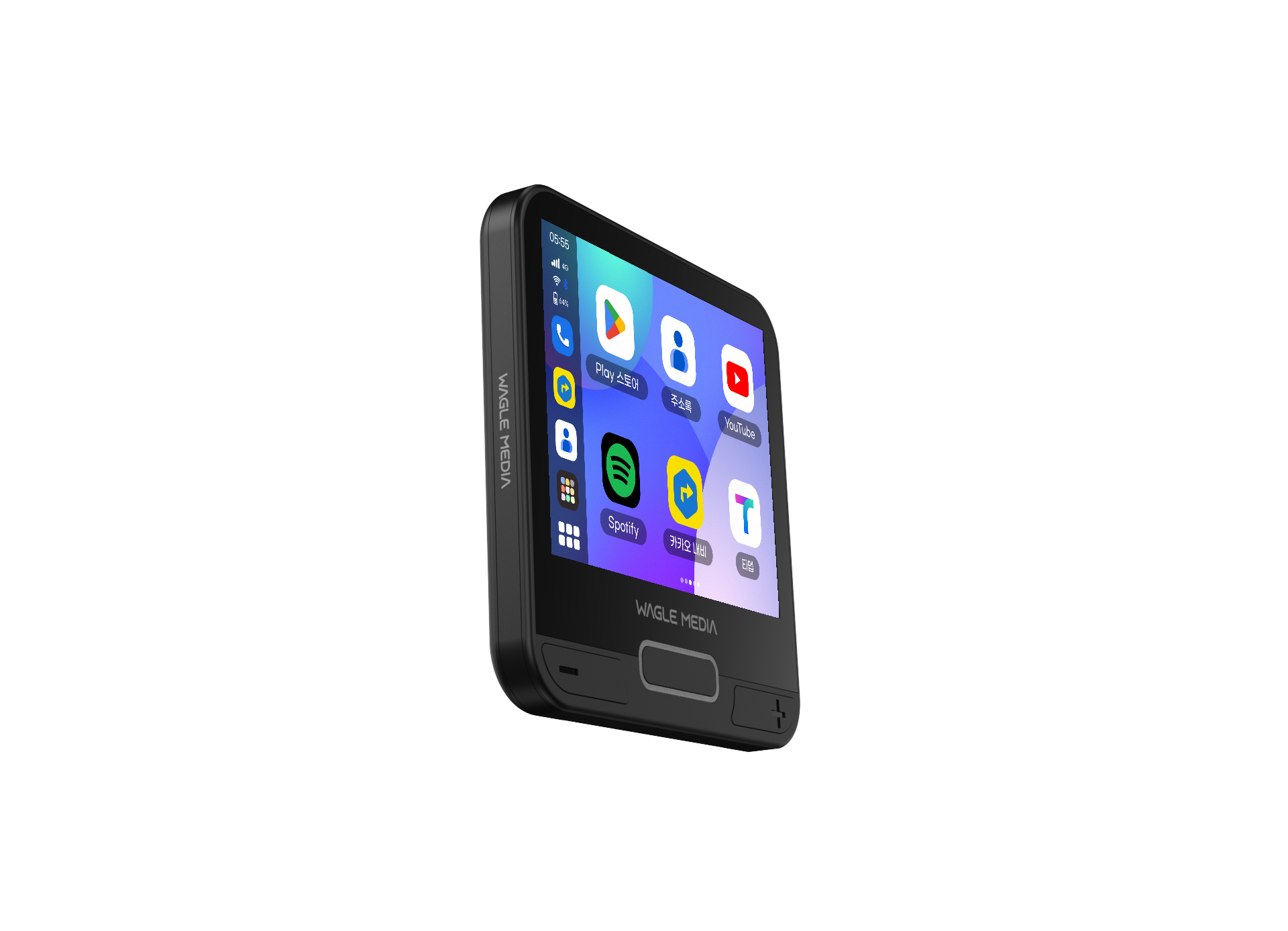
| Processor | MediaTek MTK6769 (Cortex-A75 octa-core, up to 2.0GHz) |
|---|---|
| Memory / Storage | 4GB RAM / 64GB ROM (eMMC 5.1, 128GB option) |
| Display | 3.5-inch LCD, 640×480, capacitive touch |
| Operating system | CAST OS 14 (Android-based) |
| Mobile communications | 4G LTE + 3G (GSM 850/900/1800/1900, WCDMA 900/2100) · 5G not supported |
| LTE frequency bands | LTE Bands 1, 3, 5, 7, 8 (compatible with Korean carriers) |
| Vehicle connection | Vehicle USB data port · Wired (included data cable carries both power and communications) |
| Connection protocols | Wired Apple CarPlay / Wired Android Auto (CarPlay is prioritized in settings) |
| Wireless connectivity | Wi-Fi 2.4GHz/5GHz / Bluetooth 5.0 (hands-free, keyboard, mouse, OBD-II, and HUD connections; audio output not supported) |
| Built-in battery | 1,600mAh lithium polymer (charges to 80% for safety · Restores the previous screen when the engine restarts) |
| Rated input | USB 5V (vehicle USB) · Home charger input AC 100–240V, output 5V/2A (do not use fast chargers) |
| Exact OS version | CAST OS 14 |
| Memory and storage types | 4GB RAM / eMMC 5.1 64GB · Expandable via TF (microSD) up to 64GB |
| SIM format | 1 Nano-SIM slot (shared SIM/TF tray) · LG U+ M2M or independently purchased SIM |
| Bluetooth specifications | Bluetooth 5.0 (v2.1+EDR / 3.0+HS / 4.1+HS / 5.0 BLE) |
| Touch support | 3.5-inch capacitive touchscreen on the device · Output appears only on the vehicle display when connected |
| Resolution | On-device LCD 640×480 · Vehicle display output automatically syncs to the AVN resolution |
| Google certification | GMS certification |
| Hibernation requirements | The built-in battery maintains the state when the engine is OFF and restores the previous screen within approximately 6–7 seconds after engine ON · Restoration unavailable when the battery is too low |
| Call and text support | Data-only (M2M) line · No voice or text service · Bluetooth hands-free connects phone calls to the vehicle speakers only |
| Product warranty | Standalone purchase: 3 years · Subscription: contract term (3 or 5 years). LCD repairs for standalone purchases are chargeable. |
| Product category | Vehicle AI BOX with a display |
| Subscription bundle | 3 or 5 years · Device provided free with a 5-year subscription |
CAST+ is Google GMS certified.
For vehicles supporting factory wired Apple CarPlay or Android Auto. Connect the included data cable to the vehicle USB data port. Charging-only ports and cables do not support display connections. For wireless-CarPlay-only vehicles, explore OTTOCAST.
| Apps and peripherals | Support scope | Usage requirements |
|---|---|---|
| TMAP / NAVER Map / Kakao Navi | Supported | Select built-in or vehicle GPS · Voice wake words should be OFF (audio quality / steering-wheel control conflicts) |
| YouTube / YouTube Music / Coupang Play / Melon | Supported | Disable auto-update blocking and keep apps up to date · Use the floating microphone or vehicle voice-recognition button for YouTube voice playback |
| Netflix | Conditionally supported | DRM L3 → SD quality / Letterboxing (cannot be adjusted due to the architecture) · Contact support if login fails on the latest version |
| Disney+ | Conditionally supported | App policy changes may prevent Play Store searches or installation — Contact support |
| TVING / Wavve and other streaming services | Supported | Keep apps updated · Video quality is SD-level |
| Banking, securities, and mobile payment apps | Not supported | Device security checks may restrict operation · Use your smartphone for financial transactions |
| Online course apps | Not supported | Screen recording blocked for security — Cannot be bypassed |
| Kakao T driver app | Not supported | App inaccessible / Not searchable in the store — Cannot be bypassed |
| Google Assistant voice activation (activation button / steering-wheel voice button) | Supported | Full-screen use recommended · Voice activation limited in split-screen mode |
| Split screen (2 apps simultaneously) | Supported | Split-screen app arrangement may reset when the main unit is powered OFF (cause under investigation) |
| Curtain app (hides the screen while driving) | Supported (exclusive) | Not available on OTTOCAST, All-in-One, or Lite |
| Bluetooth hands-free / Keyboard / Mouse / OBD-II / HUD | Supported | No Bluetooth audio output → Earphones and speakers cannot connect · HUD Bluetooth disconnects in sleep mode after a paid OS upgrade |
| Bluetooth earphones and speakers | Not supported | No audio output function — Sound plays through vehicle or on-device speakers |
| Phone hotspot (tethering) reception | Supported | Internet connection method for standalone use · Hotspot transmission from the subscription line itself is not supported |
| Nano-SIM (LG U+ M2M / MVNO / Data sharing) | Supported | Device-specific APN configuration required · M2M SIM can be used independently in LTE tablets, except iPad |
| microSD (TF) card | Supported | Up to 64GB |
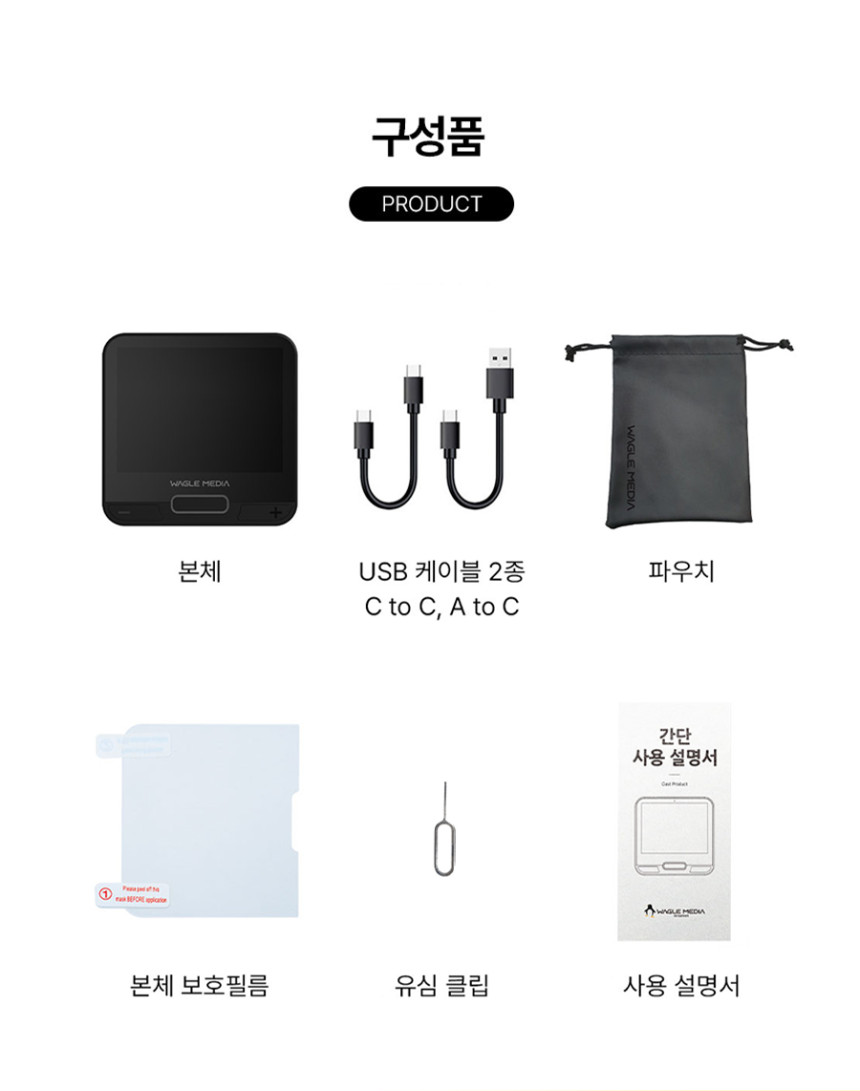
Main unit · 2 vehicle connection cables (A–C, C–C) · Carry pouch. Charger not included; Y-cable sold separately.
15 in total 5 registered patents · 10 applications
| Status | Patent title · Application number | Application category |
|---|---|---|
| Registered | In-vehicle advertising output device and system using an AI terminalApplication No. 10-2025-0036298Filed 2025.03.21 | CAST+CAST2AI BOX Gen 2 integrationCAST BLACKBOX integration |
| Registered | In-vehicle QR code payment deviceApplication No. 10-2024-0199602Filed 2024.12.30 | CAST+CAST2AI BOX Gen 2 integrationCAST BLACKBOX integration |
| Registered | Vehicle infotainment device with dashcam functionalityApplication No. 10-2024-0065345Filed 2024.05.20 | CAST+CAST2AI BOX Gen 2 integrationCAST BLACKBOX integration |
| Registered | O2O service system using a vehicle infotainment deviceApplication No. 10-2023-0116026Filed 2023.09.01 | CAST+CAST2AI BOX Gen 2 integrationCAST BLACKBOX integration |
| Registered | Vehicle infotainment device capable of connecting to a vehicle AVN system by switching connection protocolsApplication No. 10-2023-0102089Filed 2023.08.04 | CAST+CAST2AI BOX Gen 2 integrationCAST BLACKBOX integration |
| Application filed | Vehicle camera-based payment device and methodApplication No. 10-2026-0101993Filed 2026.06.05 | CAST+CAST2AI BOX Gen 2 integrationCAST BLACKBOX integration |
| Application filed | Vehicle edge computing device with a distributed computing architecture separating the main unit and camera to reduce heat, and its control methodApplication No. 10-2026-0097745Filed 2026.05.29 | CAST+CAST2AI BOX Gen 2 integrationCAST BLACKBOX integration |
| Application filed | Integrated quality optimization device and method for a wireless projection environmentApplication No. 10-2026-0045767Filed 2026.03.13 | CAST+CAST2AI BOX Gen 2 integrationCAST BLACKBOX integration |
| Application filed | Device and method for simultaneously performing dashcam recording and projection protocol emulation on a non-rooted vehicle edge computing device with its security chain of trust maintainedApplication No. 10-2026-0036553Filed 2026.02.27 | CAST+CAST2AI BOX Gen 2 integrationCAST BLACKBOX integration |
| Application filed | Content-aware adaptive video transmission device and method for in-vehicle browsersApplication No. 10-2026-0036540Filed 2026.02.27 | CAST+CAST2AI BOX Gen 2 integrationCAST BLACKBOX integration |
| Application filed | Intelligent power and data management device and method with multilayer fault detection and adaptive recovery for vehicle USB-connected edge computing devicesApplication No. 10-2026-0036526Filed 2026.02.27 | CAST+CAST2AI BOX Gen 2 integrationCAST BLACKBOX integration |
| Application filed | Device and control method for dynamically changing display output restriction policies in a vehicle projection protocol environmentApplication No. 10-2026-0036410Filed 2026.02.27 | CAST+CAST2AI BOX Gen 2 integrationCAST BLACKBOX integration |
| Application filed | Method and device for simultaneous dual-display operation of a vehicle edge computing deviceApplication No. 10-2026-0036336Filed 2026.02.27 | CAST+CAST2AI BOX Gen 2 integrationCAST BLACKBOX integration |
| Application filed | Method, system, and device for AI agent commerce execution on behalf of users and platform brokerage fee settlement based on home appliance commerce triggersApplication No. 10-2026-0090681Filed 2026.05.19 | CAST+CAST2AI BOX Gen 2 integrationHOMEPLAYCAST BLACKBOX integration |
| Application filed | Home appliance AI content control system and method using a smartphoneApplication No. 10-2026-0083713Filed 2026.05.08 | CAST+CAST2AI BOX Gen 2 integrationHOMEPLAYMATE AI integrationCAST BLACKBOX integration |